Why Rendering is Your Best Superpower
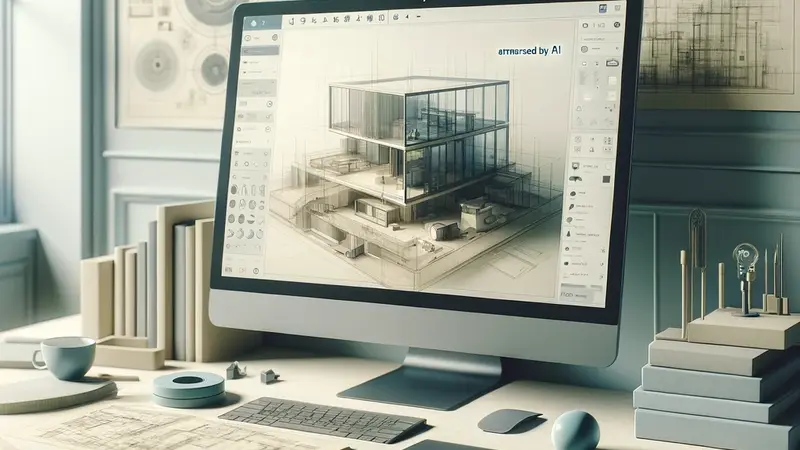
For architects, a design is more than just a set of drawings; it’s a story. But even the best plans can fail to get the client’s attention. This is why 3D rendering has gone from being a nice-to-have talent to the most important tool in the field. It gives everyone a common goal, connects technical drawings with feelings, and lets clients walk around a room months before building starts.
When you show someone a photorealistic picture, you’re not just selling a design; you’re selling the feeling of being there: the warmth of the morning light, the feel of the materials, and the promise of the ultimate product. The most important thing you can do to use this power is to pick the correct tool.
This guide cuts through the noise. We’ve put together a reliable list of the best rendering solutions on the market, sorted by what matters most: speed, realism, and how well they work with other software.
The Most Important Types of Architectural Visualization
There are two primary schools of thought in the realm of 3D rendering software: tools made for Real-Time Speed and engines made for Traditional Photorealism. It all depends on how far along your project is and what quality you want in the end.
1. Real-Time Speed Demons: The Architect’s Best Friend
Real-time renderers are fast and work well with modeling applications like Revit, SketchUp, and Rhino. They employ contemporary GPUs (Graphics Processing Units) to show your scene practically right away as you make adjustments. This category is important for making changes to designs and getting immediate response from clients.
Enscape: The Loop of Instant Feedback
Many people think that Enscape is the easiest way for architects to get started. It works as a straight plugin, turning your native modeling environment into a rendered scene with only one click.
The main benefit is speed. You can tweak the lighting, materials, and walk through the model in VR right away. This makes it great for quick design studies and internal reviews.
Workflow Integration: Almost perfect, since it works inside your BIM or modeling software.
Best for: The early design process, rapid client check-ins, and companies that value speed and simplicity of use over excessive photorealism.
The Environment Builder is Lumion
Lumion is the best program for swiftly filling in a whole area, from trees and cars to realistic weather. It can make spectacular exterior renderings and animations in only a few minutes.
- Biggest Benefit: Huge Asset Library. It has a built-in library of high-quality assets and easy-to-use environmental controls (sky, water, foliage) that make it easy to create beautiful contexts.
- Learning Curve: Very low, therefore new users can get decent results right away.
- Best for: Landscape architecture, city planning, and marketing visuals that need to be done quickly and set the tone.
The New Guard: Twinmotion and D5 Render
These two programs, especially D5 Render, are soon becoming competitors because they both offer speed and high-quality visuals. Twinmotion, which is based on Unreal Engine, works very well for animated walkthroughs and interactive sequences. D5 Render, on the other hand, combines ray tracing and cloud-based assets to give you amazing, high-fidelity real-time results.

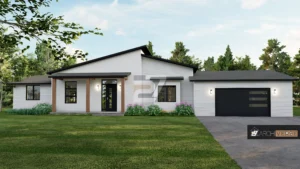
Source: D5 Render
2. Traditional Realism Masters: The Search for Perfection
When it comes to projects that need marketing-grade quality that looks just like a photo, classical rendering engines are still the best. They employ CPU or complex path tracing to figure out how light bounces and how materials interact with each other with great accuracy, but this takes a lot longer.
V-Ray: The Standard in the Business
V-Ray has been the best program for photorealistic rendering for a long time. It is a powerful engine that can make results that are physically correct for a wide range of things, from small material details to complicated light simulations.
Main Benefit: Control and realism that can’t be beat. It lets you manage every detail of the light, camera, and material attributes, which is why it’s the tool of choice for big magazine spreads and contests.
The learning curve is steep. To master V-Ray, you need to be dedicated and know a lot about rendering physics.
Best for: Presentations to clients with a lot on the line, professional visualization studios (ArchViz professionals), and getting the best quality possible.

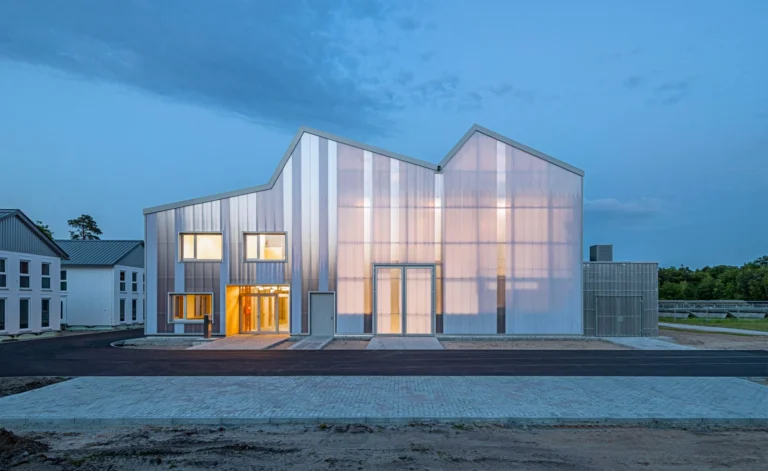
© Brick Visual
Blender (Cycles/Eevee): The Free Powerhouse
Blender is a free 3D program that has two strong rendering engines: Cycles, which is used for traditional path-traced realism, and Eevee, which is used for real-time PBR rendering. It gives you more creative freedom than ever before without the cost of a license.
The best thing about it is that it costs nothing and can be changed in any way you like. A global community keeps the program up to date all the time.
Best For: Professionals on a budget, artists who need custom modeling as well as rendering, and anyone who are prepared to put in the effort to learn something tough but rewarding.
3. How to Pick the Right 3D Rendering Tool for You
Picking the right rendering software is a personal and important option that should be based on the needs and workflow of your business.
Taking Workflow Into Account
First, look at how your job is set up. Do you mostly need to make adjustments right away and get through the design process quickly? If so, Enscape or Lumion are the best Real-Time renderers for you. On the other hand, if you want to make very polished, final marketing photographs at the conclusion of the project, you might need a Traditional engine like V-Ray, which lets you check the quality very carefully.
Check Your Budget
Next, look over your budget. Can your business afford to pay for professional products like V-Ray or Lumion every year? Or do you want to buy something once, or even better, get it for free? Blender (Cycles/Eevee) and other tools like it have the best features in the business and are free. Many subscription models also come with ongoing support and upgrades.
Compatibility With Hardware
Your current gear is a big part of the decision. Real-time renderers like Enscape and Lumion need a lot of GPU power to work quickly. For complicated light path calculations, older engines like V-Ray and others sometimes need more on a fast CPU. Make sure the tool you choose works with the processing power you already have.
Quality of Audience and Output
Lastly, think about who will be reading your work and how good it needs to be. Are you only trying to get quick reviews from inside the company, or are you showing anything to a client who needs to get a quick sense of space? In this scenario, speed (Enscape) is the most important thing. If the pictures are going to be used for high-end advertising, museum-quality competition entries, or publication, Realism (V-Ray) must come first, no matter how long it takes to render.
The Future: AI and the Best Way to Work
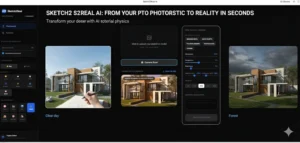
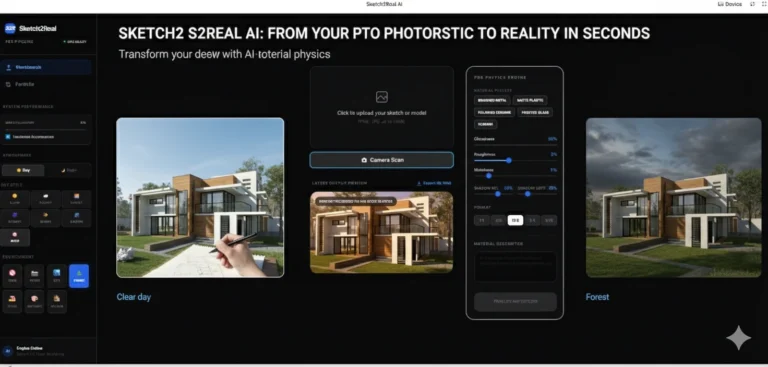
AI-powered rendering solutions like MyArchitectAI and Vibe3D are altering the landscape quickly. These tools promise to cut down on post-production time by a lot by immediately adding details or making styles from simple sketches.
A Real-Time renderer (like Enscape) for constant input and design iteration, along with a Traditional renderer or advanced post-production suite (like V-Ray or Photoshop) for that final, stunning marketing shot, are the two technologies that make up the ultimate architect’s workflow today.
By using these strong tools and choosing the ones that best fit your needs, you not only make your presentations better, but you also build trust and value with every customer. Make smart investments, and your architectural dreams will come true.
For more blogs like this CLICK HERE!!
Reference:
Top 8 Rendering Tools For Architects In 2025 – McLine Studios